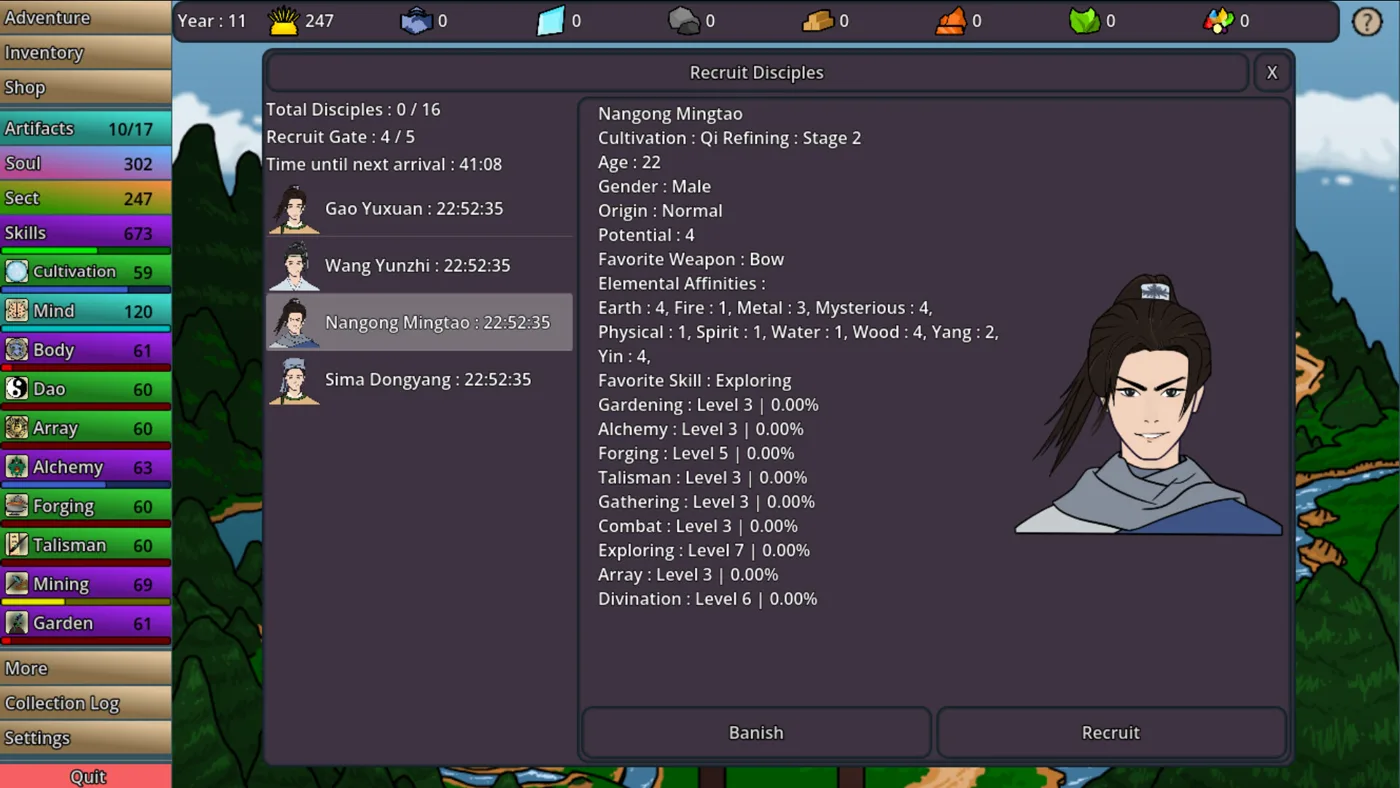
Quick Guide
- Idle Cultivation's Steam Workshop primarily supports custom cultivator appearances.
- You can browse and subscribe to player-created appearance mods directly through the Steam Workshop page.
- To create and upload your own appearance mods, refer to the official in-game or Steam Workshop guides.
- Currently, mod support is limited to visual changes for your cultivator within the sect.
The journey to immortality in Idle Cultivation is a long one, but who says you can't look good while cultivating? For players looking to personalize their experience, the Cultivation Idle Steam Workshop mods offer a unique avenue for customization. This guide will walk you through how to engage with the Workshop, from enabling existing mods to understanding the scope of what you can create.
Exploring and Enabling Idle Cultivation Steam Workshop Mods
The Steam Workshop is a fantastic hub for community-created content, and Idle Cultivation leverages it to allow players to add a personal touch to their cultivators. If you're eager to enhance your game with unique aesthetics, diving into the Workshop is your first step.
To access the Idle Cultivation Steam Workshop:
- Launch Steam and navigate to your Library.
- Find Idle Cultivation in your game list and click on it.
- On the game's page, you'll see various tabs like "Store Page," "Screenshots," "Artwork," and crucially, "Workshop." Click on the Workshop tab.
- Here, you can browse through a collection of player-uploaded content. The primary focus for Cultivation Idle Steam Workshop mods is currently unique cultivator appearances.
- To enable a mod, simply click on the desired appearance and then select the "Subscribe" button. Steam will automatically download and integrate the mod into your game, allowing your cultivator to sport a fresh new look.
You'll find various designs, from "Snake Eyes" by Bakity Bak to a "Happy shirt" by Nhate, showcasing the creativity of the Idle Cultivation community. These appearance changes are a fun way to stand out in your sect.
Understanding Current Mod Scope and Limitations
It's important to set expectations regarding the functionality of Cultivation Idle Steam Workshop mods. Based on developer information, the current implementation of the Workshop is specific:
Currently, the Steam Workshop for Idle Cultivation is designed exclusively for uploading and sharing unique Cultivator Appearances. This means mods are limited to visual changes for your character within the sect.
While many games offer extensive modding capabilities that alter gameplay mechanics, add new items, or introduce quests, Idle Cultivation's Workshop focuses on cosmetic customization. This allows players to express themselves without impacting game balance or core systems. This specific focus ensures a stable and consistent experience for all players, while still providing a creative outlet for the community.
Creating and Uploading Your Own Cultivation Idle Steam Workshop Mods
For the aspiring digital artist or creative player, the Idle Cultivation Steam Workshop provides an opportunity to share your unique designs with the world. If you have an idea for a distinct cultivator appearance, you can create and upload it for others to enjoy.
The process for creating and uploading mods typically involves using specialized tools or templates provided by the game developers. While a detailed step-by-step guide is beyond the scope of this overview, the developers have provided resources to assist you:
- Access the Official Guide: The game's Steam Workshop page itself often links to a "Learn More" section or a dedicated guide. For Idle Cultivation, players are directed to a "workshop guide" that explains how to create and upload mods.
- Review Documentation: Community reports and developer notes, such as those found on SteamDB, confirm the existence of a guide on "how it works and how to create mods." Look for this guide within the Idle Cultivation community hub on Steam.
- Focus on Appearances: Remember that your creations must adhere to the current mod scope – unique cultivator appearances. Experiment with different visual elements to make your cultivator truly stand out.
By following the official documentation, you can transform your creative visions into actual in-game appearances for the Idle Cultivation community.
Frequently Asked Questions
What kind of mods are available for Idle Cultivation on Steam Workshop?
Currently, the Cultivation Idle Steam Workshop mods are primarily focused on unique cultivator appearances. This means you can find and apply visual changes to your character, such as custom outfits or features.
How do I install mods from the Idle Cultivation Steam Workshop?
To install mods, simply visit the Idle Cultivation Steam Workshop page, browse through the available appearances, and click the "Subscribe" button on any mod you wish to use. Steam will handle the download and integration automatically.
Can I create my own mods for Idle Cultivation?
Yes, you can create and upload your own cultivator appearance mods to the Steam Workshop. The developers have provided a guide on how to do this, which you can find linked from the official Idle Cultivation Steam Workshop page.
Are there mods that change gameplay or add new features in Idle Cultivation?
No, at this time, the Cultivation Idle Steam Workshop mods are limited to cosmetic changes for cultivator appearances within the sect. Gameplay-altering mods or new feature additions are not currently supported through the Workshop.